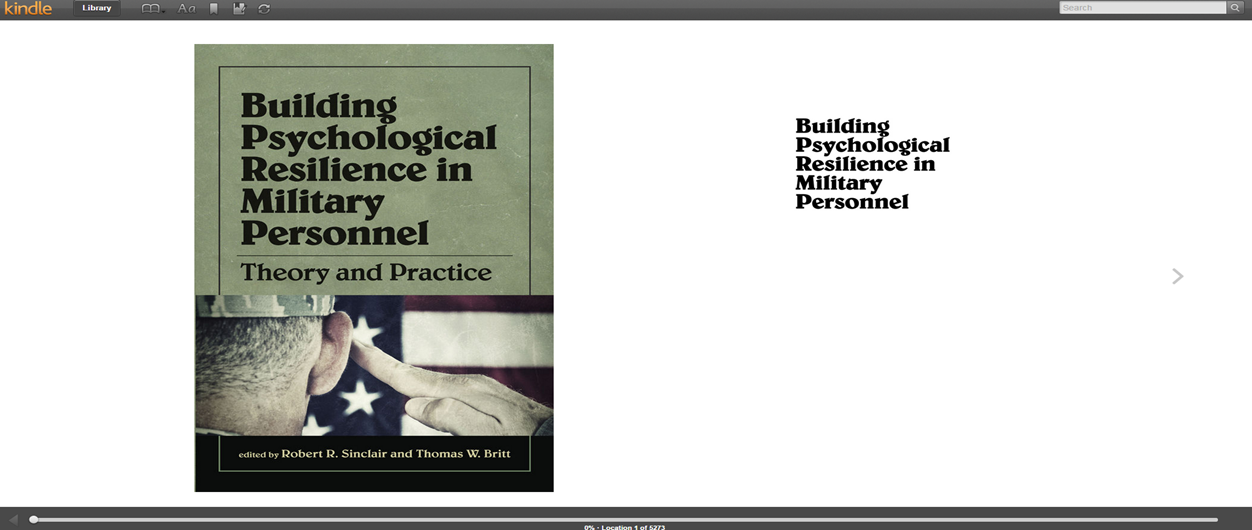
Student Materials Support
For assistance with your student materials, including questions about shipments and eBooks, please contact your Student Success Coach, [email protected] or 1-855-277-5007 (option 1).
Return to Student Materials Support Home Page
Kindle Edition E-Book Access Directions
- Email sent from Amazon. Please Note: This email may filter to the junk or spam folder.

- This is how the content of the email will appear:
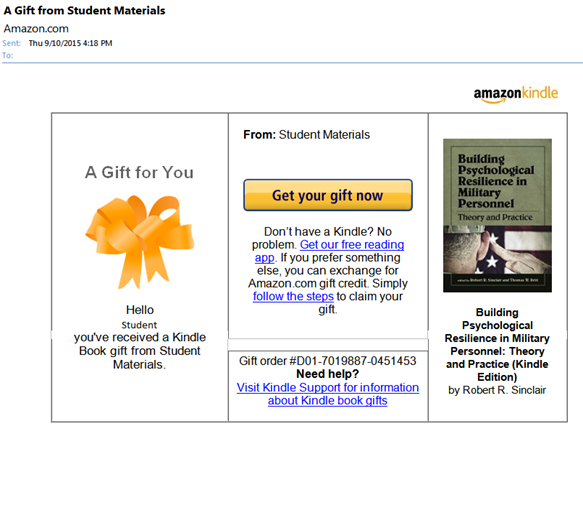
- Click on Get your gift now:

- The link will lead you here:
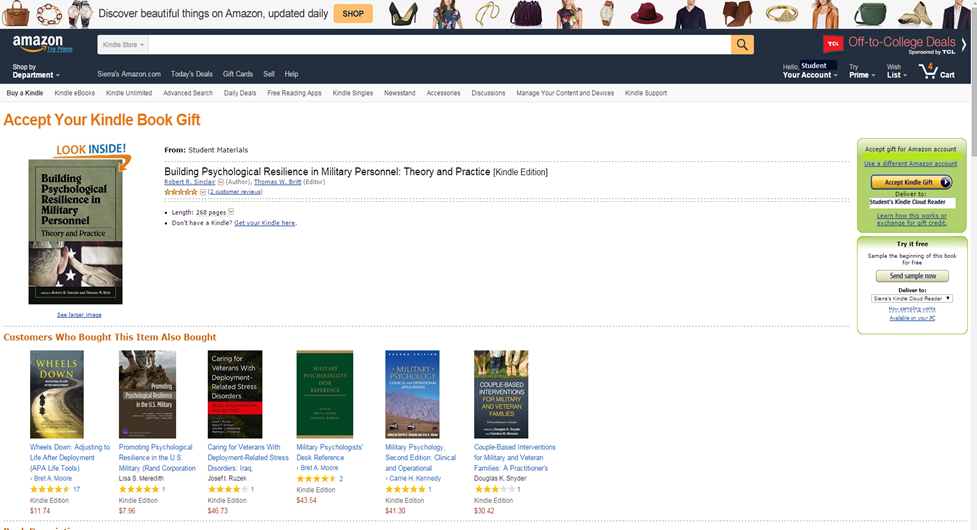
- Here is where you will claim your eBook:
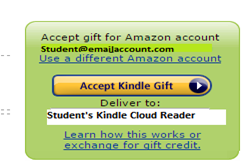
- If you have questions, please select this help link and the following box will appear:

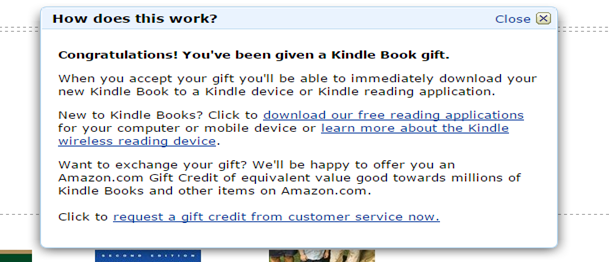
- Once you accept your eBook, it will direct you to the following page:

- Select the Read now in Kindle Cloud Reader

- eBook Access